Short answer
Most moves come from one of five places: a change on your page, a rival publishing or improving a page, Google ranking a different page from your site, a new layout on the results page, or a Google update. Compare the ranking URL and the sites above you before and after the move to find which.
First, check that it moved
Positions wobble. A keyword that sits at 5 one week and 7 the next may be back at 5 the week after with nothing changed. Before you act, look at three or four checks in a row. A move that holds for two checks or more is worth a look. A single jump usually is not.
Also confirm you are comparing like with like: the same keyword, the same country, the same language. A tracker keeps those fixed for you. A manual search from a different city does not.
1. Google picked a different page from your site
Look at the ranking URL as well as the number. If the page behind the keyword changed, Google has decided another of your pages is a better match. This often happens when two pages cover the same topic, which is called keyword cannibalization.
What to do: pick the page you want to rank, make it the clear answer, and link to it from the other page. If the two pages say the same thing, merge them and redirect the weaker one with a 301.
2. A rival moved above you
Check who now sits above you. A competitor may have published a new page, updated an old one, or earned links, and your page may not have changed at all.
What to do: open their page and compare it with yours on the question the searcher is asking. Is it more complete, newer, or easier to read? The keyword gap guide shows how to find where a rival is ahead across all your keywords at once.
3. You changed the page
A new title, a rewritten intro, a removed section, or a new URL can each move a ranking. So can a site change you did not think of as SEO: a new theme, a plugin that adds noindex, or a redirect that went in as a 302.
What to do: list what changed on the site in the week before the drop. If the page moved to a new URL, make sure the old one redirects with a 301 and that the new one is not blocked from indexing. The on-page checklist covers the usual suspects.
4. The results page changed
Google adds and removes features such as maps, videos, question boxes, and AI answers. Your organic position can hold while the page gets longer above you, or it can slip because a feature took a slot. Search the keyword yourself and compare the layout with what you remember.
What to do: nothing on your page may fix this. Decide whether the keyword is still worth the effort, or whether a different format, such as a video or a local listing, is the way in.
5. A Google update rolled out
Google announces its larger updates. If many of your keywords moved in the same week, and other sites in your field report the same, an update is the likely cause. Updates tend to reward pages that answer the question well and punish pages written to catch search traffic.
What to do: wait until the update finishes rolling out, which Google says on its status page, then compare the pages that gained with the pages that lost.
Keep the history
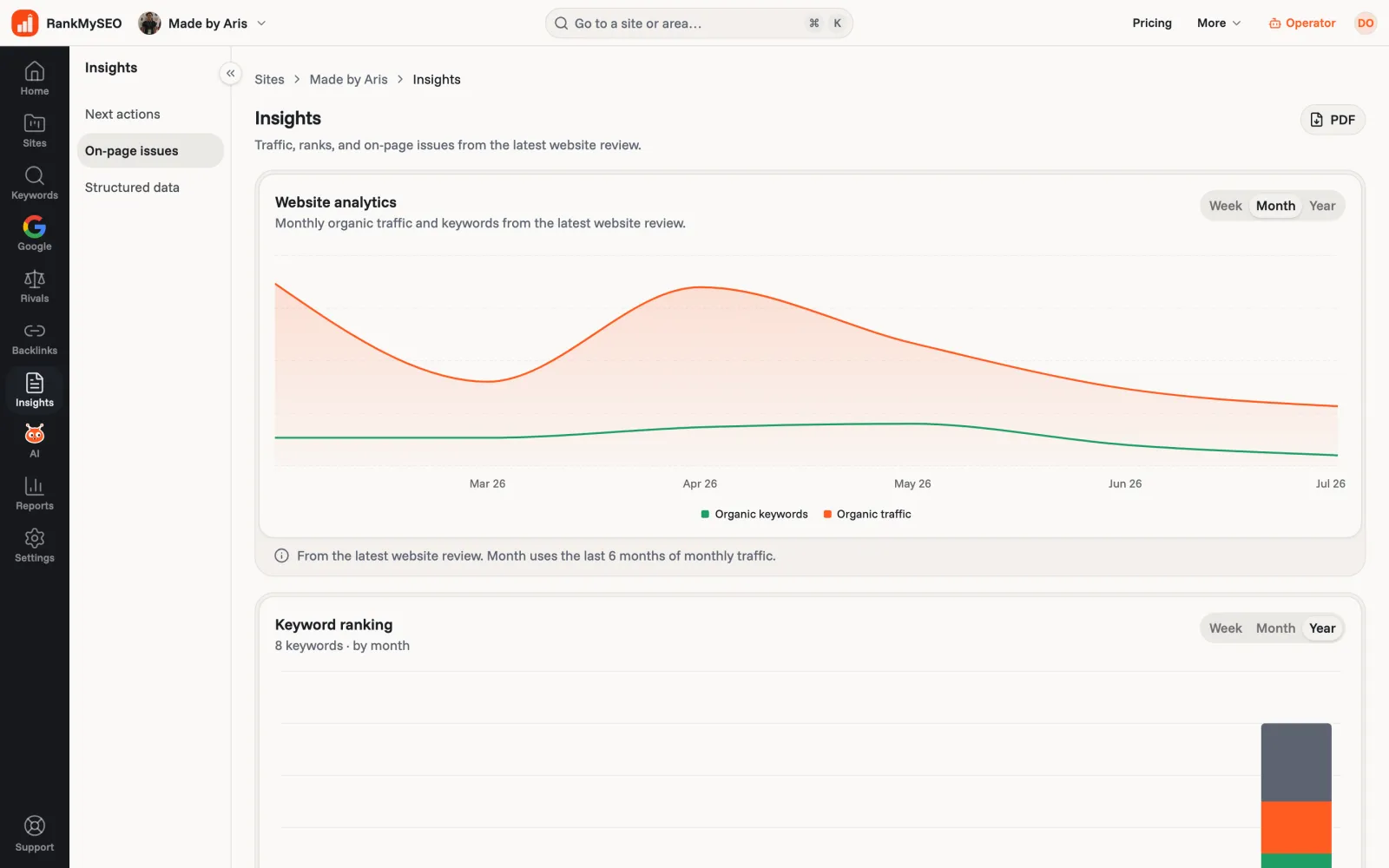
Each of these checks needs the past: which page ranked last month, who sat above you, when the move started. That is the part a one-off search cannot give you. RankMySEO saves the position and the ranking URL for every check, and Starter and above let you save rivals and compare their positions with yours.