MCP setup
Connect an MCP client to RankMySEO
One endpoint, one config block, and two kinds of key. If you want the plain-language version of what an assistant can do with this, read the overview instead.
mcp.json
{
  "mcpServers": {
    "rankmyseo": {
      "url": "https://api.rankmyseo.com/mcp"
    }
  }
}


Every one of these speaks MCP, so every one of them can connect. See what your assistant can ask.
- One HTTP endpoint
- No account to try it
- Walk-up: 1 site, 2 keywords, 48 hours
- Signed-in keys follow your plan
Step 1
Add the server to your app
Pick your app and copy the line. There is no key to paste yet: the first call can mint one.
mcp.json
{
  "mcpServers": {
    "rankmyseo": {
      "url": "https://api.rankmyseo.com/mcp"
    }
  }
}
Terminal
claude mcp add --transport http rankmyseo https://api.rankmyseo.com/mcpServer URL
https://api.rankmyseo.com/mcpServer URL
https://api.rankmyseo.com/mcpmcp.json
{
  "mcpServers": {
    "rankmyseo": {
      "url": "https://api.rankmyseo.com/mcp"
    }
  }
}
Step 2
Two kinds of key, and how one becomes the other
A client that has never met us can still get an answer. Everything after that runs on a bearer token tied to a real account.
- 1
Walk-up
Call register with no Authorization header. You get a key scoped to one site, two keywords, and 48 hours. One per network. The research is deleted after a day if nobody claims it. - 2
Pairing
register returns a claim link. A signed-in person opens it and approves. The site and its history move onto that account, and the key starts following that plan's flags. - 3
Signed-in
Create a key in the dashboard and send it as a bearer token. It carries the same plan limits the dashboard enforces, and you can revoke it there.
Walk-up: no header at all
POST https://api.rankmyseo.com/mcp
Content-Type: application/json
Accept: application/json, text/event-stream

{ "jsonrpc": "2.0", "id": 1, "method": "tools/call",
  "params": { "name": "register", "arguments": {} } }
Signed-in: bearer token
POST https://api.rankmyseo.com/mcp
Authorization: Bearer rms_live_…
Step 3
Tools your client will see
A call that your plan does not cover comes back as a refusal naming the plan that does, not as an error. Limits are enforced server side, so a client cannot talk its way past them.
Getting in
- register
- Mints a walk-up key. The only call that works with no Authorization header.
- request_link
- Returns a claim URL so a signed-in person can pair the key onto their account.
- account_status
- What this key is allowed to do, and how much of the plan is left.
Setting up a site
- add_project
- Starts tracking a domain. Refused once the account is at its plan's site count.
- add_keyword
- Adds one keyword with a country and language.
- add_competitor
- Saves a rival domain against a site.
- list_projects
- The sites on this account.
- list_keywords
- Tracked keywords for a site, with their locale.
- list_competitors
- Saved rivals for a site.
Reading positions
- project_overview
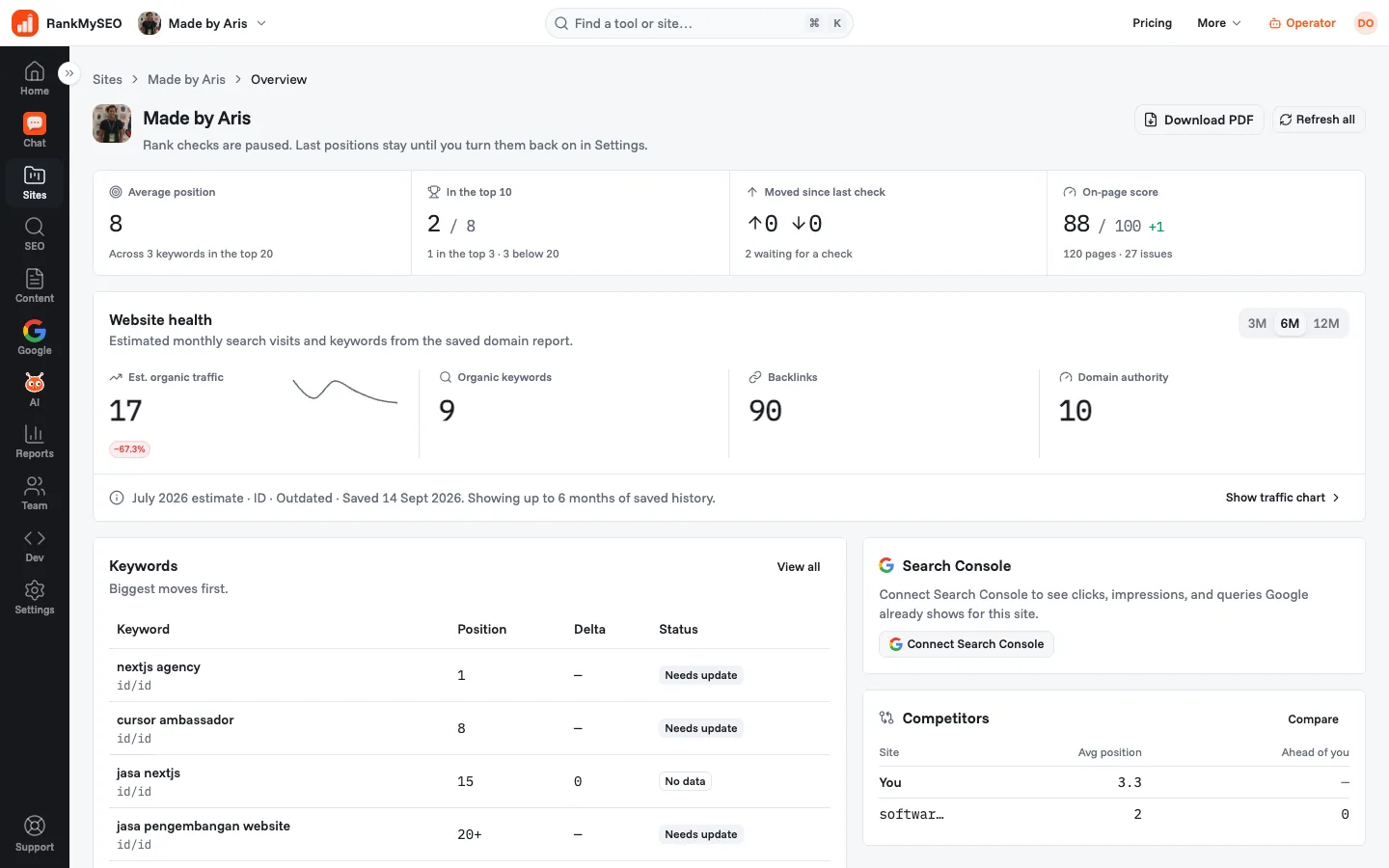
- The site's headline numbers, the same ones the dashboard shows.
- keyword_history
- Saved checks for one keyword, as far back as the plan keeps them.
- check_ranks
- Asks for a fresh check. Subject to the daily queue, so it may be refused.
Starter and up
- site_issues
- On-page problems found in the last crawl.
- next_actions
- Ranked to-do list: on-page fixes, pages to create from the keyword gap, and close ranks.
- issue_pages
- The URLs behind an issue, rather than just the count.
- rank_compare
- Your positions next to a saved rival's on the same keywords.
- keyword_gap
- Keywords a rival ranks for and you do not.
- competitor_traffic
- Estimated traffic for you and a rival, side by side.
- keyword_planner
- Keyword ideas with volume, to pick what to track next.
- backlink_review
- Referring domains and the links worth a second look.
- start_auto_add
- Starts the website review that picks keywords and competitors.
- research_site
- Returns keyword clusters and competitors to review. Starts Auto-add when no list is ready.
- search_console
- Clicks, impressions, and queries from the connected Search Console property.
- social_research
- Asks one research tool on one platform: top posts, mentions, ads, marketplace and app store lookups, prices, and news. The tool list names each platform and what to send.
- social_lookups
- Reads the social lookups already saved on the account, with their answers, and spends nothing.
- social_accounts
- The public accounts you follow, with followers and the change over 90 days.
- add_social_account
- Follows a public account and reads its followers.
Agency
- track_ai
- Whether ChatGPT and Gemini mentioned this site for the ticked prompts.
The list an assistant actually receives comes from tools/list and is filtered by the key's plan, so treat that response as the source of truth rather than this list.
Questions people ask
- Is there a machine-readable version of this page?
- Yes. /llms.txt is the same playbook written for an agent to follow on its own, and it is also served at
/index.mdand/auth.md. Any page on this site returns markdown if you sendAccept: text/markdown. - Where do I create or revoke a signed-in key?
- Under Developer, then API keys, once you are signed in. A key is shown once when it is created, so copy it then. Open API keys.
- What happens when a call exceeds the plan?
- The tool returns a refusal that names the limit and the plan that raises it. Nothing is charged and nothing is partially written.
- Can I self-host this instead?
- The toolkit is Apache-2.0 and runs against your own database. See Open source.
Add the server and ask one question
Your assistant calls register on its own. Sign in when you want to keep what it found.