Short answer
Most sites never need to disavow, because Google ignores most spam links on its own. Disavow when you have a manual action for unnatural links, or when you bought or built links you cannot get removed. Write a plain text file with one domain: line per site and upload it in Search Console's disavow links tool.
Steps
- 1Decide whether you need itCheck Search Console for a manual action, and list links you paid for or placed yourself.
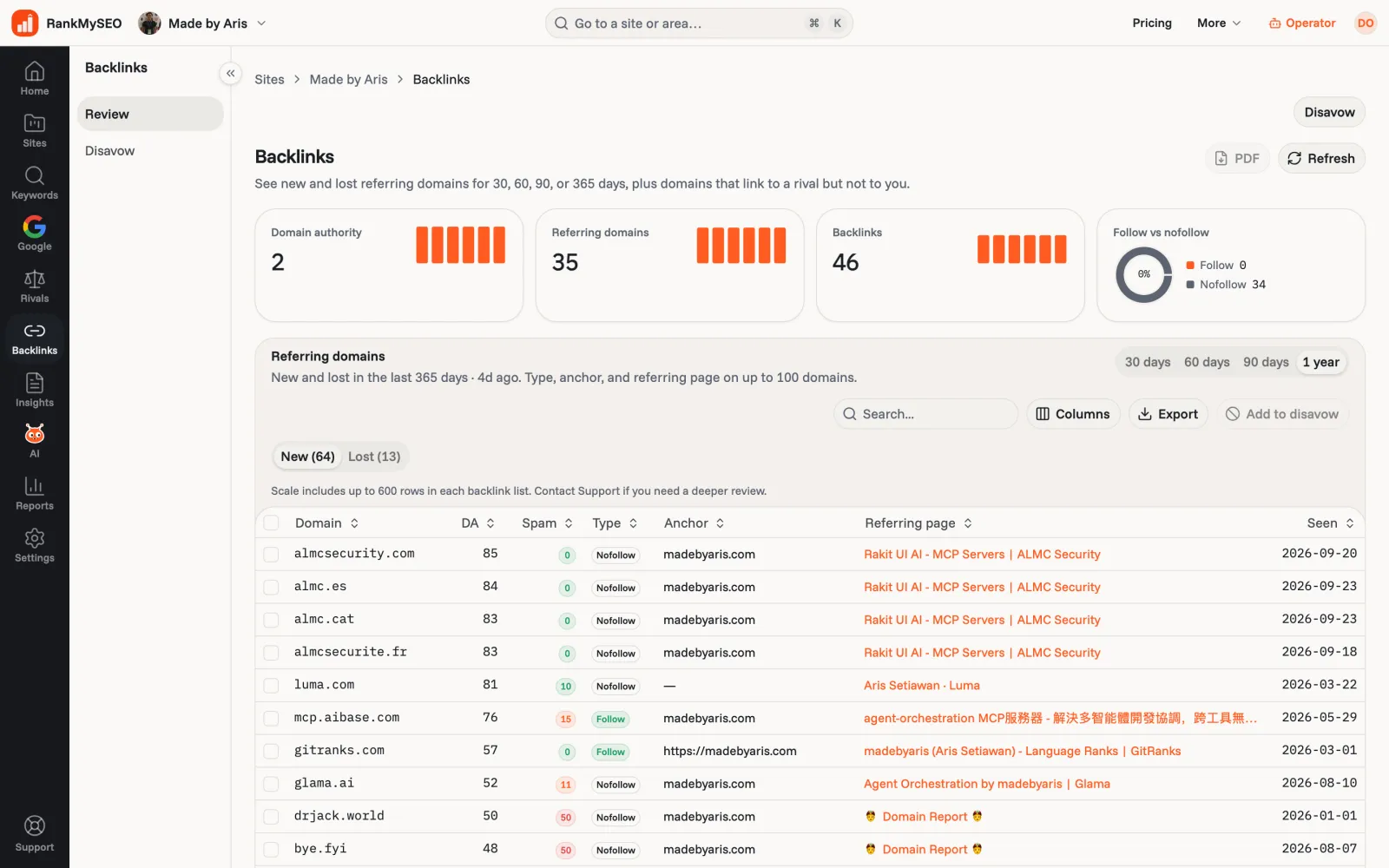
- 2Export your referring domainsGet the list of sites that link to you, with the pages and anchor text.
- 3Pick the domains to disavowKeep it to domains you would not want a reviewer to see. Ignore ordinary low-quality links.
- 4Write the fileOne domain:example.com per line in a UTF-8 .txt file. Lines starting with # are comments.
- 5Upload it in Search ConsoleOpen the disavow links tool, choose your property, and upload. A new upload replaces the old list.
What disavow does
A disavow file is a list you upload in Google Search Console. It asks Google to ignore links from the domains or URLs on it when it assesses your site. Google treats the file as a strong hint, and it applies the change as it recrawls the web, which can take weeks.
Google says most sites never need it. Its systems already ignore most spammy links, including the random directories and scraped copies every site collects over time. Disavowing good links by mistake can lower your rankings, because those links were helping.
The two cases that call for it
- You have a manual action for unnatural links. Search Console shows it under Security and manual actions. Google has flagged links to your site as an attempt to manipulate rankings. Remove what you can, disavow the rest, then file a reconsideration request.
- You bought or built links you cannot remove. Paid links, link exchanges, or a past agency's private blog network. If you know they exist and the site owners will not take them down, disavowing them is a reasonable precaution.
A sudden batch of spam links from sites you have never heard of is usually not a reason. That is normal background noise.
How to choose the domains
Work from your list of referring domains, not individual links. If you have not pulled that list yet, how to check backlinks and prioritize fixes walks through it. For each domain you consider, ask whether you would be comfortable if a Google reviewer looked at it. If the answer is no because you placed or paid for the link, add it. If the site is just low quality, leave it.
Disavow at the domain level in most cases. If one bad site links to you from 40 pages, a single domain: line covers all of them.
How to write the file
The file is plain UTF-8 text with a .txt extension, one entry per line:
# Links placed by a former agency, removal requests unanswered
domain:spammy-directory.example
domain:paid-links.example
https://old-blog.example/post-with-linkdomain:followed by a host drops every link from that site.- A full URL drops links from that one page.
- Lines starting with
#are comments. Google ignores them, but they help you remember why a line is there.
How to upload it
Open the disavow links tool in Search Console and choose the property for your site. Upload the file. If a file already exists, the new one replaces it completely, so always start from your previous file and add to it rather than uploading only the new domains.
To undo a disavow, upload a new file without that line.
Build the file from your review
In RankMySEO, open Backlinks on a tracked site. Starter and above list referring domains with new and lost links over 30, 60, or 90 days. Tick the domains you want to drop, or type a host yourself, and download the file. It already has the header comments and one domain: line per site, ready to upload. See Check backlinks for what each plan includes.