
AI visibility tracking records how often artificial intelligence tools mention your brand or cite your web pages. You track it by running a fixed prompt set every week and logging the results.
Tracking these responses helps you understand which products or businesses an assistant recommends when buyers ask commercial questions. Before you start, you need three basic items:
- A set of 5 to 10 buyer questions phrased in plain language.
- Access to ChatGPT and Gemini through clean sessions with no past conversation history.
- A simple spreadsheet or tracking tool to record dates, models, mentions, citations, and other brands.
What tracking AI visibility measures
When an assistant answers a user prompt, two separate events can happen for your site.
A mention means the generated answer named your business or site directly in the text. A citation means the answer included a clickable link pointing to one of your web pages. You should always record mentions and citations separately.
Keep in mind that a saved answer is only a sample from that specific platform and date. Generated answers can change between weekly checks. A recorded mention or citation does not mean a visitor actually arrived on your website, and it does not mean your Google search ranking changed.
Four steps to set up weekly AI visibility tracking
- Select a fixed prompt set
Pick 5 to 10 questions that buyers ask before they make a purchase. Focus on problem queries or category queries, such as comparisons and recommendations. Avoid using only your brand name. Brand questions test whether the facts are correct. Category questions show whether the assistant finds you on its own.
- Run checks on a weekly schedule
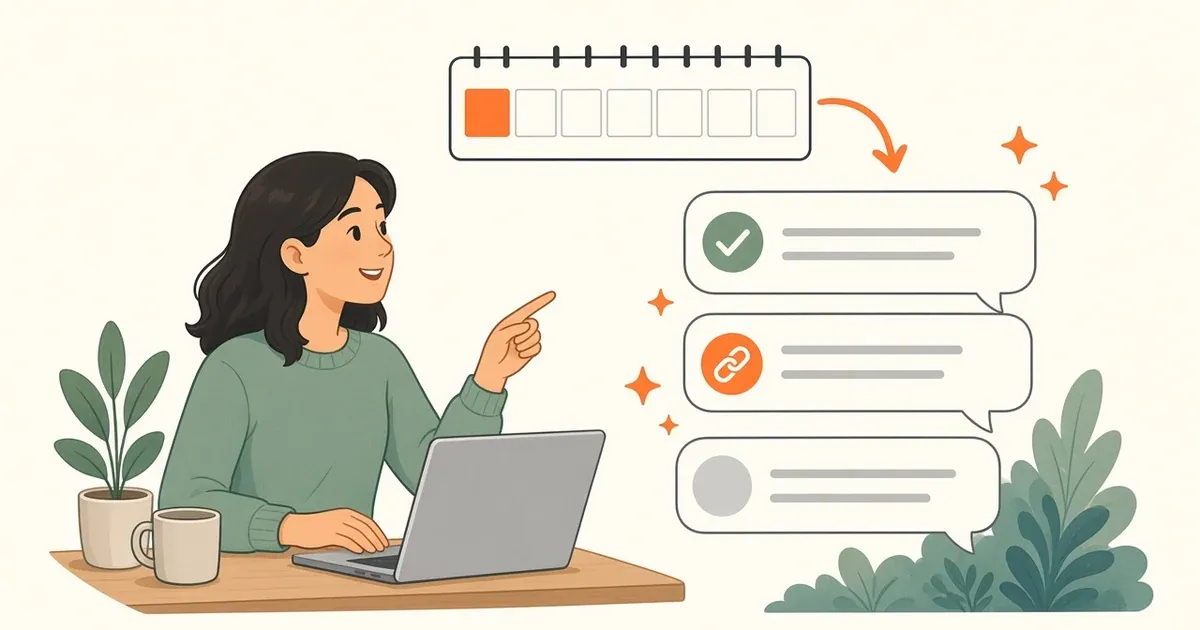
Run each prompt through ChatGPT and Gemini once a week. Use a fresh conversation window each time so earlier questions do not influence the next reply. Keeping the weekly schedule consistent helps you spot genuine movement across months.
- Record mentions, links, and competitor names
Check the output carefully. Note whether the model wrote your brand name. Check if it linked to your content. Record which competitor brands appeared in the response. Tracking other brands shows who the model considers your direct peers for that topic.
- Update the pages that need better facts
If an assistant leaves your business out or shares incorrect details, review your live content. Add clear facts, technical specs, and direct answers to the pages you want cited. For a longer checklist, read our guide on tracking AI visibility.
How our software handles prompt tracking
We built Track AI inside RankMySEO to automate this weekly recording process. Track AI checks ChatGPT and Gemini every week. It does not report Google AI Overviews or Perplexity. You choose the questions, and the tool saves the answers, site mentions, other brands, and cited pages.
Track AI is included on every paid plan. Each plan gives 6, 15, 30, or 45 prompts per site, and the same number of new prompts each month. You can see the prompt limits for each plan on our pricing page.
Common tracking mistakes to avoid
- Changing the prompt text each week: If you alter the question wording, you cannot compare this week's answer to last week's answer.
- Confusing citations with web traffic: A citation shows source credit inside the chat interface. It does not guarantee clicks or referral visits.
- Confusing chat tools with Google Search Console: Search Console has a separate Generative AI performance report. It counts impressions in Google AI Overviews and AI Mode. It does not measure answers in chat tools like ChatGPT or Gemini.
- Reacting to a single answer: Chat tools vary from day to day. Base your decisions on several consecutive weekly records rather than a single check.
Frequently asked questions
What is the difference between an AI mention and an AI citation?
An AI mention occurs when an assistant writes your brand or domain name inside its answer text. An AI citation occurs when the assistant adds a clickable link pointing directly to one of your pages. Mentions provide brand exposure during an answer, while citations give users a direct path to visit your site. Both signals should be recorded separately because an answer can name your brand without linking to your site.
Does Track AI monitor Google AI Overviews or Perplexity?
No. Track AI checks ChatGPT and Gemini only. It does not report Google AI Overviews, Google AI Mode, or Perplexity responses. If you want data on Google AI Overviews and AI Mode, open the Generative AI performance report in Google Search Console. Track AI focuses on standalone chat queries where users ask direct questions to ChatGPT and Gemini.
How often do AI responses change for the same prompt?
Responses can change each time a model generates an answer. Model updates and changes in the web pages a model reads can change the answer. That is why you treat each saved response as a sample rather than a permanent fact. Recording responses weekly lets you spot stable patterns across months instead of overreacting to daily fluctuations.
Can tracking AI visibility predict my website traffic?
A recorded citation or mention does not tell you how many people typed that prompt or viewed the answer. You need to use your regular web analytics software to verify real referral visits coming from AI platforms. Tracking simply reveals whether your site is part of the answer.
To begin, open the RankMySEO AI visibility tracker. Choose 5 to 10 buyer questions, then start weekly Track AI checks on a paid plan.
Keep reading